Description
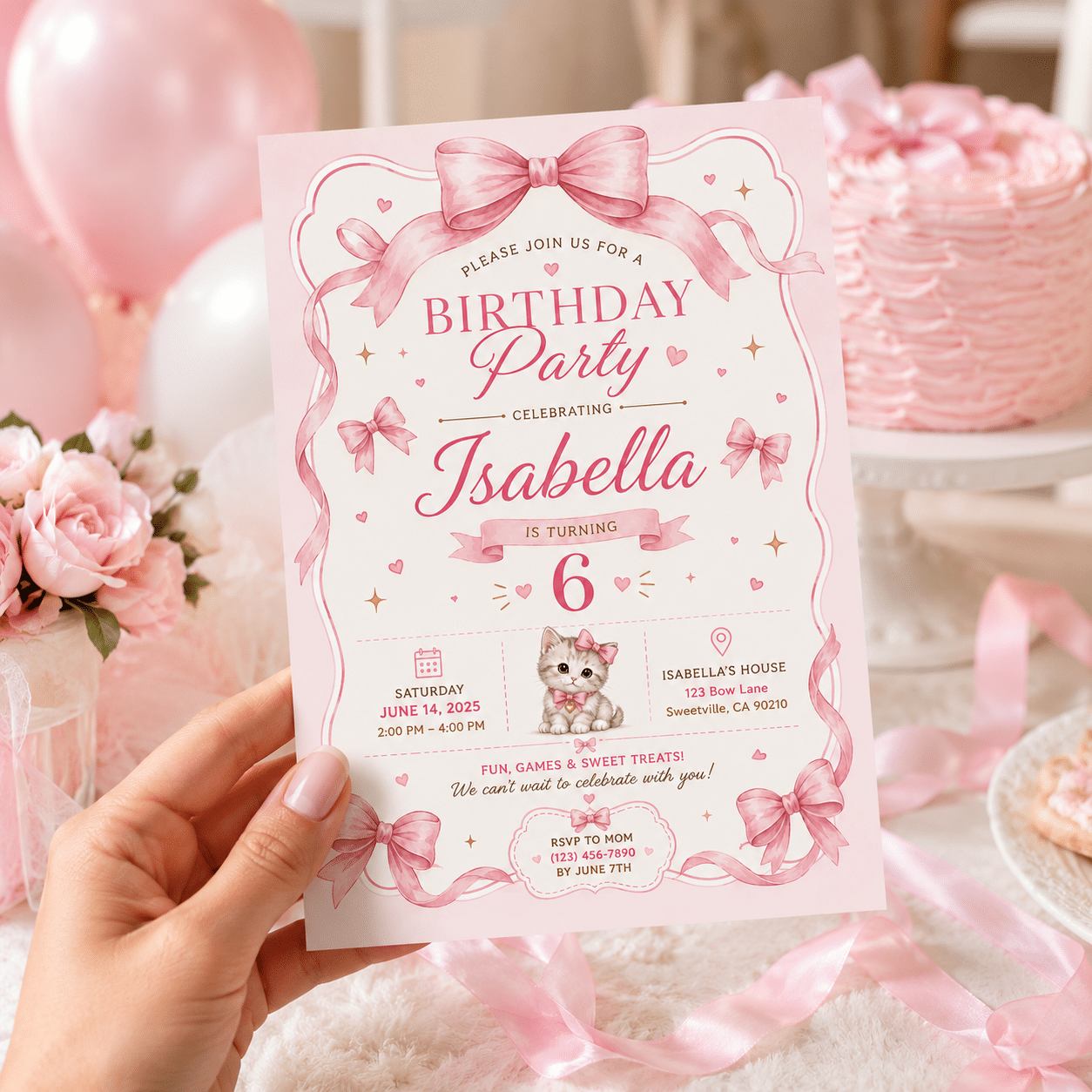
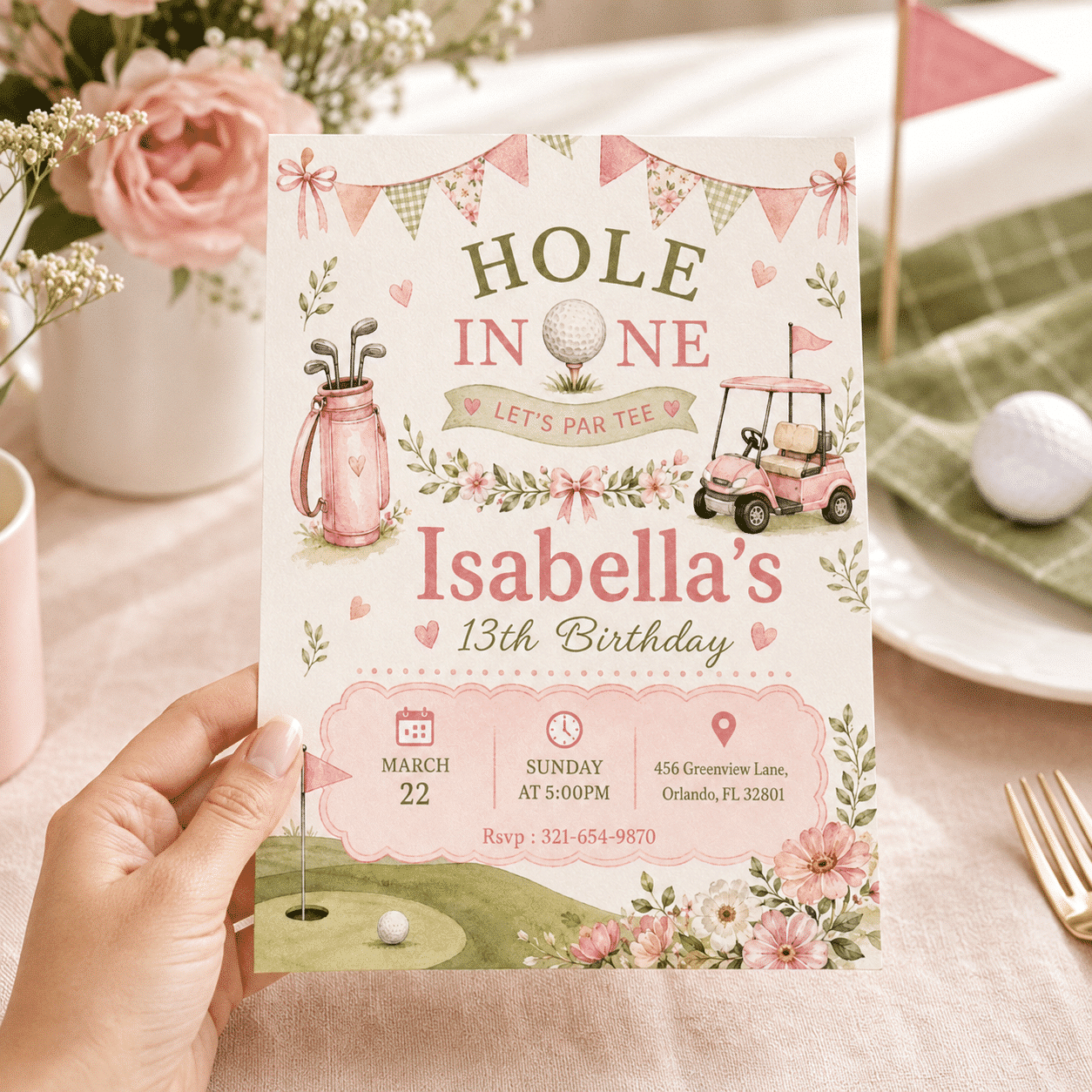
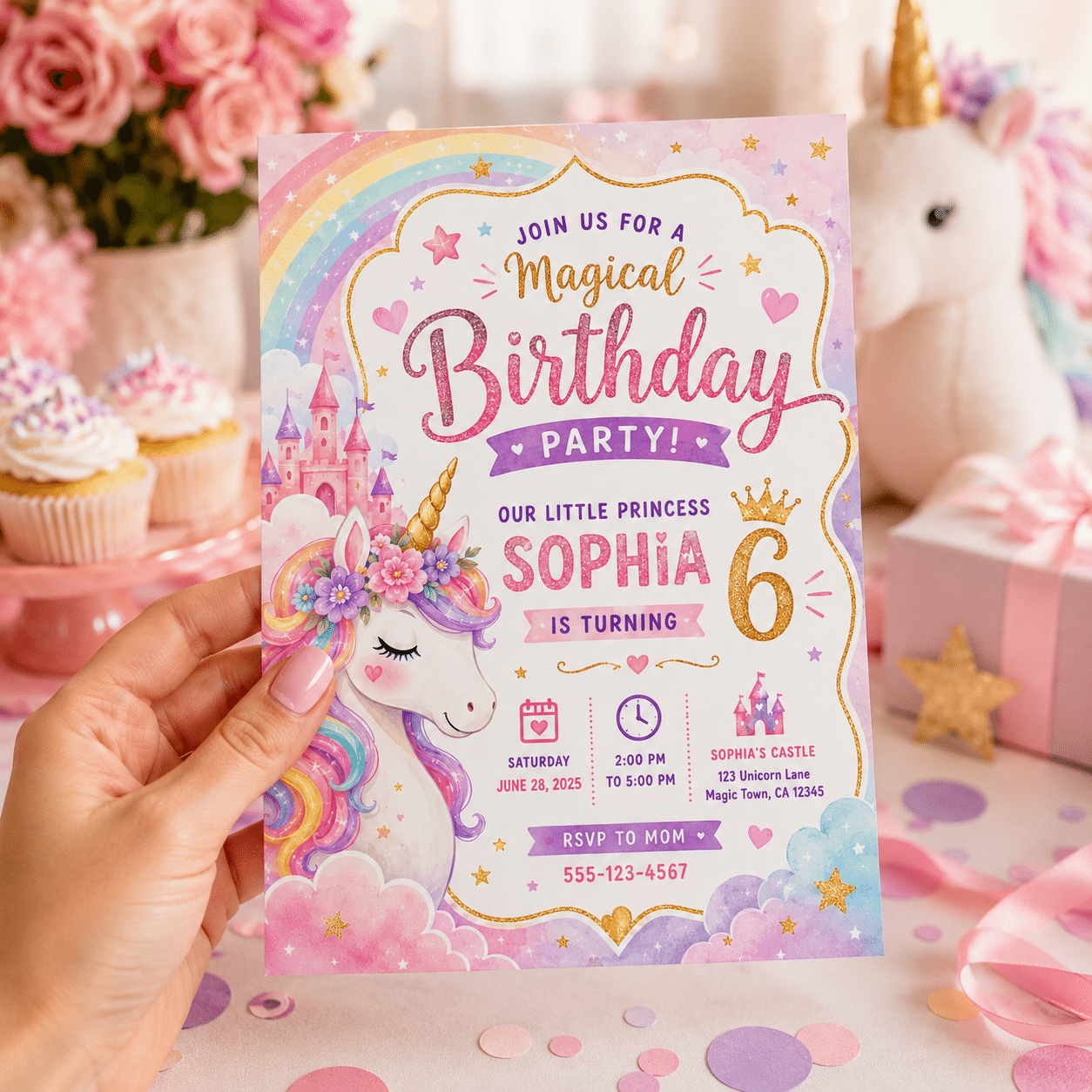
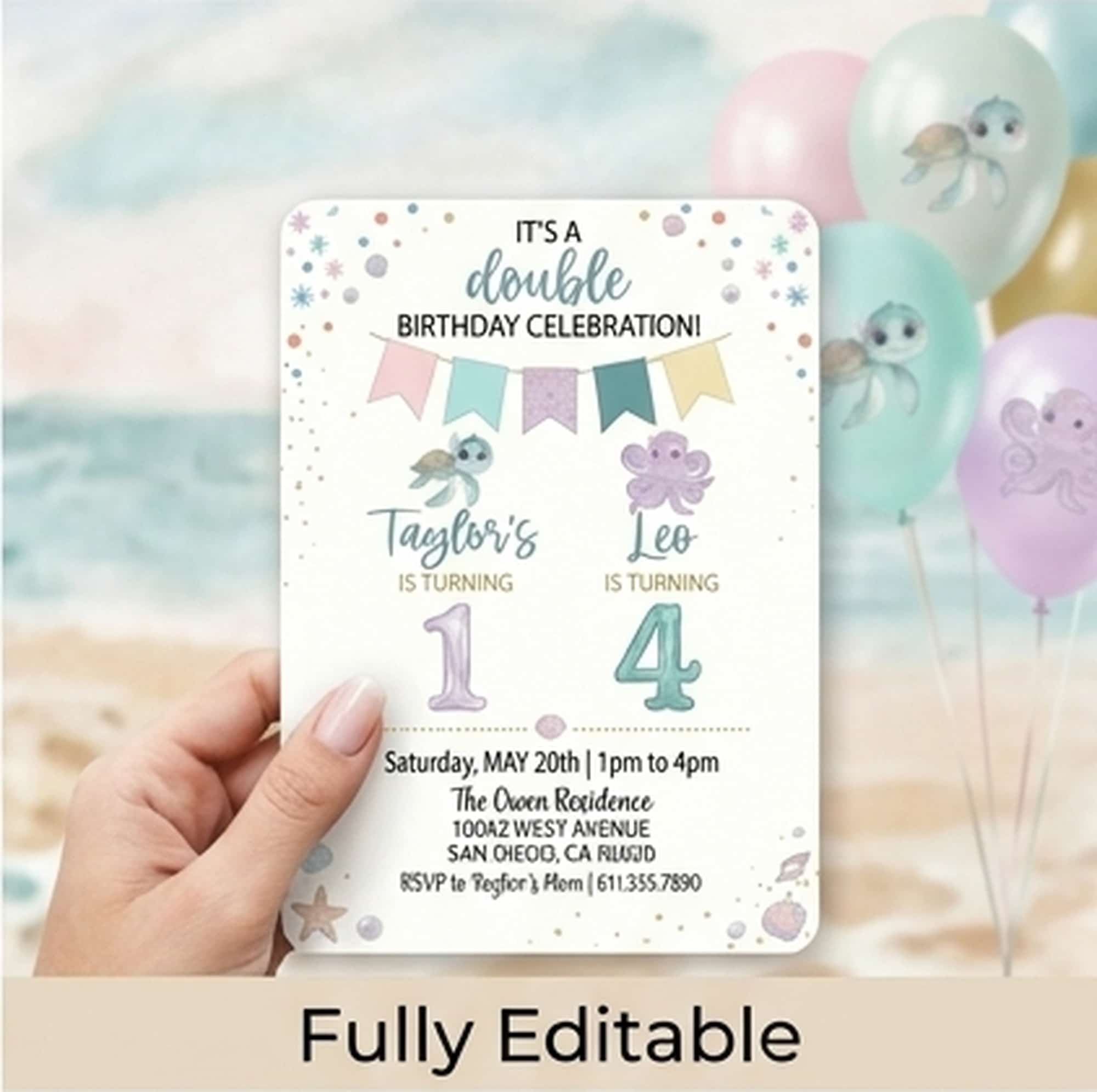
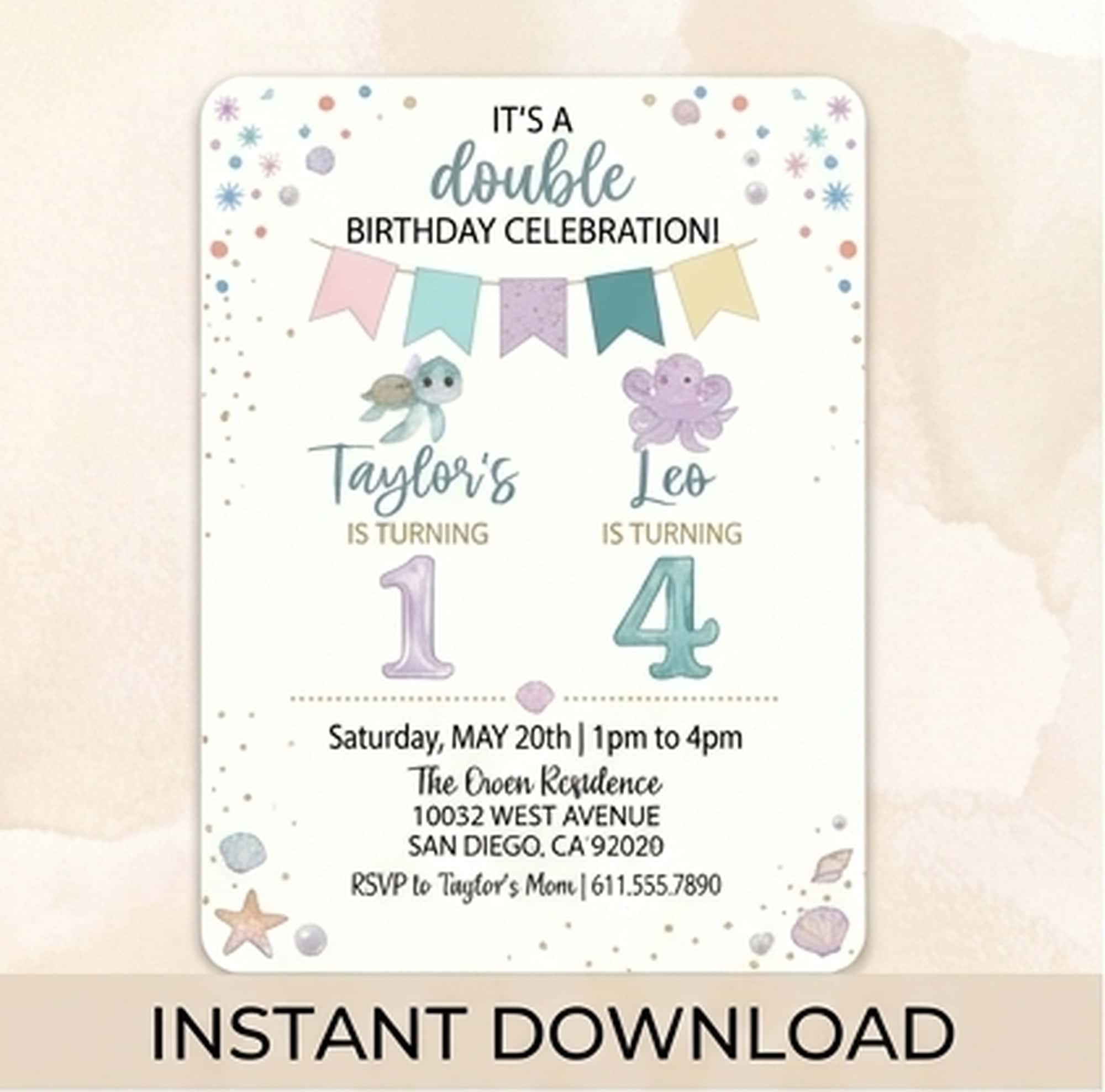
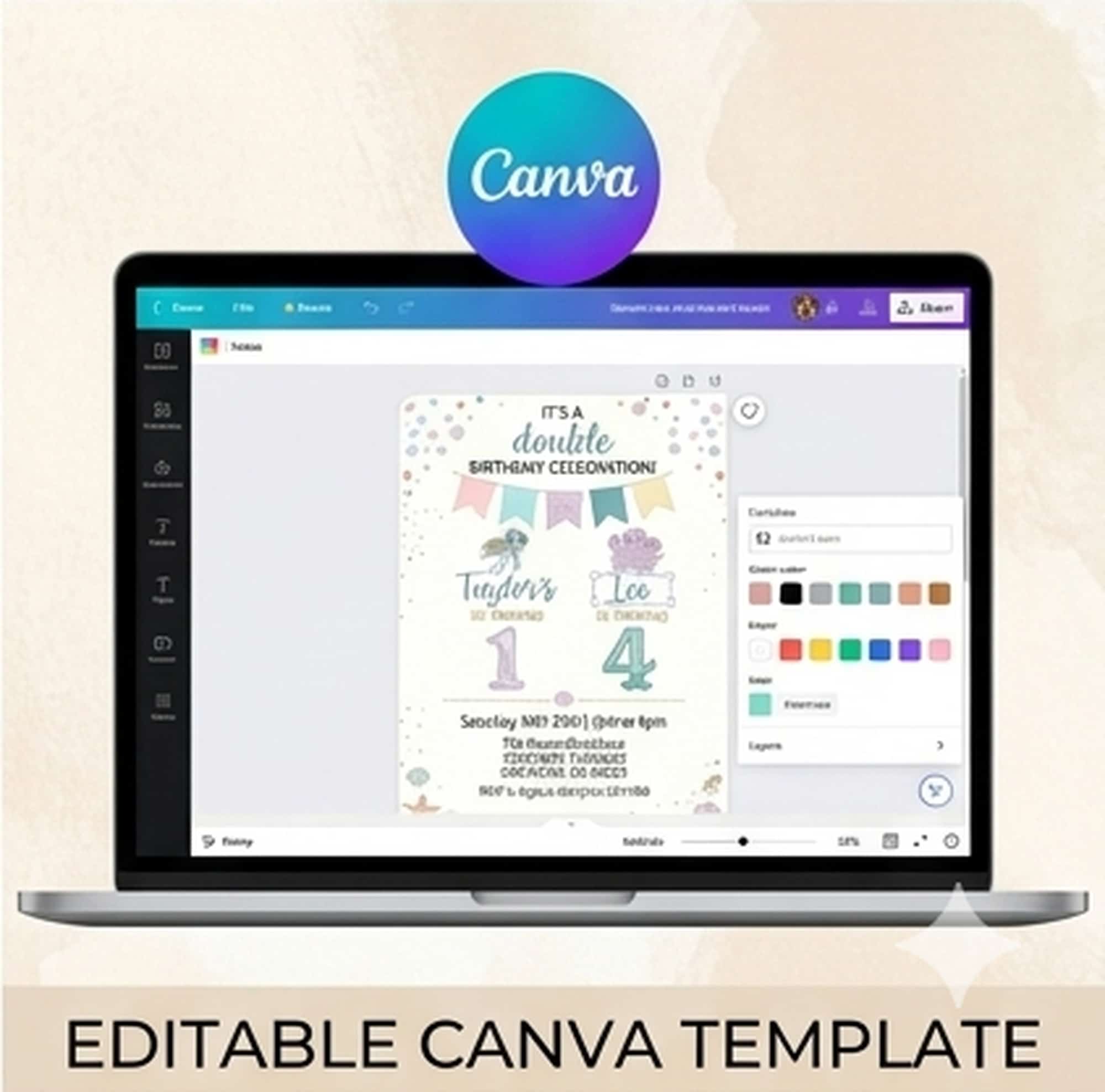
Planning a joint birthday party for siblings, twins, or best friends? Save time, money, and effort with this vibrant, fully editable Joint Birthday Invitation Template! Featuring a colorful and fun design, this template is the ultimate solution for a double celebration.
No waiting around—this is an instant download that you can customize yourself online in minutes using Canva. Edit the names, ages, and party details to perfectly suit both children, then print at home or send digitally to your guests!
✨ What You Will Receive
-
1 PDF File containing the direct link to your editable template.
-
1 Pre-formatted 5×7″ Template (The perfect standard size for printing or sharing digitally).
-
Lifetime Access to edit and reuse the template whenever you need.
🛠️ What Can Be Edited?
-
Fully Customizable Text: Change the names, ages, party date, time, location, and RSVP details.
-
Text Styling: Modify font styles, text colors, and sizes to match your vibe.
-
Background & Layout: Move, resize, or delete elements to create your perfect look.
-
Note: The overall layout orientation (5×7″ vertical) remains fixed.
🚀 How It Works (3 Easy Steps)
-
Purchase & Instant Download: Once your payment is confirmed, download the PDF instruction guide directly from your Email
-
Personalize in Canva: Click the template link inside the PDF. Sign up for a FREE Canva account (if you don’t have one) and easily edit your invitation right in your browser or via the Canva app.
-
Save & Share: Download your finished design as a high-quality JPG, PNG, or PDF. Print it at home, use a professional printing service, or text/email it instantly to your guests!
📝 Important Notes
-
This is a DIGITAL PRODUCT ONLY. No physical item will be printed or shipped to your address.
-
Because this is a digital download, all sales are final and non-refundable.
-
This template is for personal use only and cannot be resold or redistributed for commercial purposes.
💡 Need Help?
If you have any questions or need assistance with editing your template, please feel free to drop a message via email. We are always happy to help you make your celebration extra special!